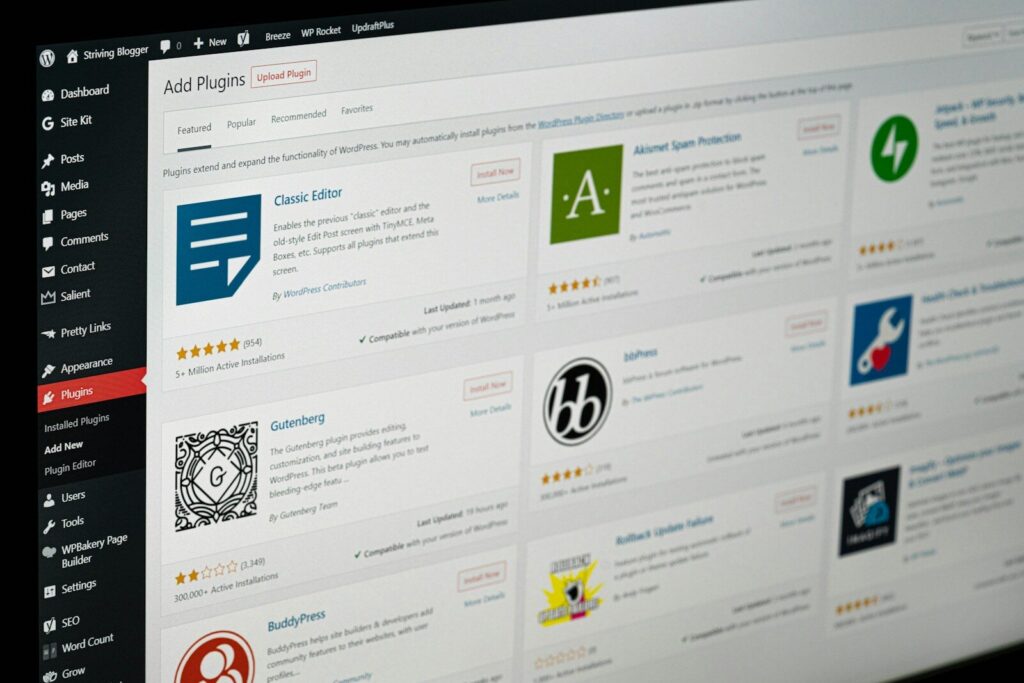
There’s a piece of advice that gets passed around WordPress circles constantly. Keep your plugin count low. Ten plugins max. Every plugin you add slows your site down.
It sounds reasonable. It’s also wrong.
The number of plugins on a WordPress site tells you almost nothing about how well that site is built. What matters is what those plugins do, how well they’re written, and how they interact with each other and the theme.
The real metric is footprint, not count
A poorly written plugin can leak memory, fire database queries on every page load, load assets everywhere instead of only where they’re needed, or introduce JavaScript that blocks rendering. One plugin like that does more damage than ten well-built ones.
A well-built plugin does the opposite. It loads only what it needs, only when it needs it. It hooks into WordPress cleanly. It doesn’t leave garbage in your database when you uninstall it. It gets updated regularly by someone who still cares about it.
Plugin count is easy to measure. Code quality is harder. But it’s the thing that actually matters.
What I look for before installing anything
Before a plugin goes on a client site, I vet it. Not exhaustively, but enough.
I look at how recently it was updated. A plugin that hasn’t seen a release in two years is a liability regardless of how many stars it has. I look at the active install count and support forums to get a sense of whether the developer is responsive. I look at what the plugin actually loads and whether it’s scoped to where it’s needed.
Abandoned or poorly maintained plugins are one of the most common sources of hacked WordPress sites and broken updates. That’s not a guess. It’s something I watched happen regularly before we built a proper vetting process.
A plugin that passes these checks earns a spot in my stack. One that doesn’t, doesn’t, regardless of how convenient it would be.
The case for single-purpose plugins
The approach I prefer, especially in block-based development, is single-purpose plugins. One job. Done well. Nothing extra.
Nick Diego is a good example of what this looks like in practice. His Block Visibility plugin does exactly one thing: conditionally show or hide blocks based on rules like user role, screen size, or schedule. His Icon Block adds SVG icon support to the editor. That’s it. Each plugin has a clear scope, and nothing bleeds outside of it.
I’ve built several plugins that follow the same philosophy, distributed through GitHub.
Enable Button Icons started as a fork of Nick’s original button icon plugin. I rewrote the architecture, added MUI icon support, and made it installable as a Composer dependency. Same focused job, modernized under the hood. Enable List Icons does the same thing for the List block, letting you swap default bullets for custom icons with full control over size, color, placement, and spacing.
Responsive Grid Extension extends the core Group block with per-breakpoint grid controls, so you can set different column and row layouts for desktop, tablet, and mobile without reaching for a custom block or a page builder. And Block Preset Classes solves a real WordPress limitation: by default you can only apply one block style at a time. This plugin lets you define reusable CSS class presets and stack as many of them as you want on any block.
None of these do more than they need to. That’s the point.
When a bigger plugin makes sense
This isn’t a hard rule against larger plugin ecosystems. Context matters.
Take Kadence Blocks. It’s a large plugin with a lot of blocks and features. If you’re using three or four blocks from it, you’re carrying a lot of weight for a small return. But if you’re deep in the Kadence ecosystem and using a significant portion of what it offers, staying in that ecosystem is actually the smarter move. Fewer integrations, more predictable behavior, one team to follow for updates.
The question isn’t whether a plugin is big or small. It’s whether the tradeoff makes sense for your specific project.
Plugins are part of a system
This is the thing most plugin count advice misses entirely.
A WordPress site isn’t a collection of independent parts. The theme, the plugins, the hosting environment, and WordPress core all interact with each other. When something breaks, it’s usually at those interaction points.
Conflicts don’t just happen between two plugins. They happen between a plugin and a theme, between a plugin and a PHP version, between two plugins that both try to modify the same block or hook. The more unfamiliar the pieces, the harder those conflicts are to diagnose.
When I build a site, I know what’s on it. I build our themes in-house, I vet every plugin before it’s installed, and I maintain a consistent stack across client sites. That consistency is what makes maintenance manageable at scale. It’s also what makes debugging fast when something does go wrong, because I already know the system.
A well-built WordPress site isn’t just a site with few plugins. It’s a site where every piece belongs, and someone actually understands how they fit together.
Leave a Reply